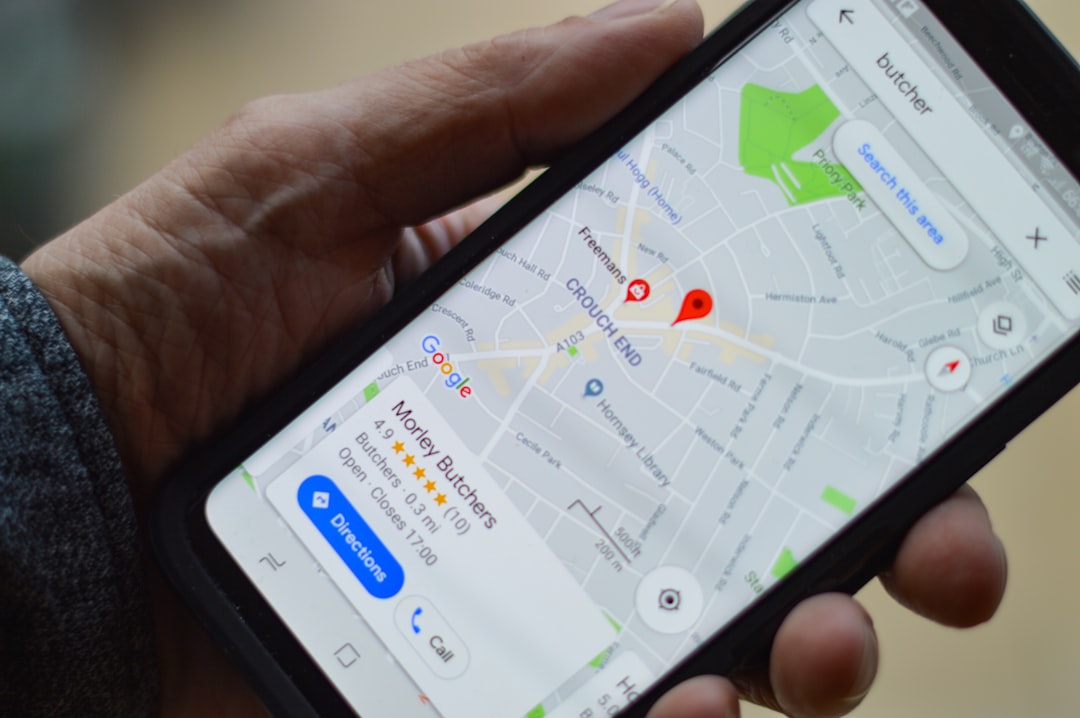

If you run a pharmacy in Ibadan, a salon in Port Harcourt, or a restaurant in Enugu, your customers are already searching for you on Google Maps. The question is whether they find you or your competitor. A Google Business Profile puts your business on the map, literally, and it is free. But for many Nigerian SME owners, the setup process turns into weeks of frustration: postcards that never arrive, verification rejections with no clear reason, and a profile that sits unverified while competitors scoop up the local search traffic.
This guide walks you through every step of the Google Business Profile setup Nigeria process, with specific solutions for the verification problems Nigerian businesses face. Whether you have a storefront, run a service business from home, or manage multiple locations, you will find practical, tested advice here.
Why Your Nigerian Business Needs a Google Business Profile
When someone in Enugu searches "restaurant near me" or a parent in Ibadan looks up "pharmacy open now," Google shows a map with three businesses at the top. That trio is called the Local Pack, and it captures the lion's share of clicks for local searches. If your business is not in that list, you are invisible to customers who are ready to walk in or call right now.
A verified Google Business Profile gives you control over how your business appears on Google Search and Google Maps. You can list your hours, phone number, address, services, photos, and respond to reviews. Without one, Google may still show your business using scraped data from directories, but you have zero control over accuracy. Your hours could be wrong, your address outdated, and your best reviews buried.
According to BrightLocal's Local Search Ranking Factors research, your Google Business Profile signals are consistently among the largest factors determining your ranking in the Local Pack, ahead of reviews, on-page SEO, and links. That is the single largest factor, ahead of reviews, on-page SEO, and links. For a Nigerian SME with a limited marketing budget, a well-optimized profile delivers more local visibility per naira spent than almost any other tactic.
If you are already investing in broader SEO, your Google Business Profile is the local layer that ties it all together. Our breakdown of what happens month by month with SEO services in Nigeria covers how local SEO fits into a wider organic growth strategy.
Step-by-Step Setup Guide
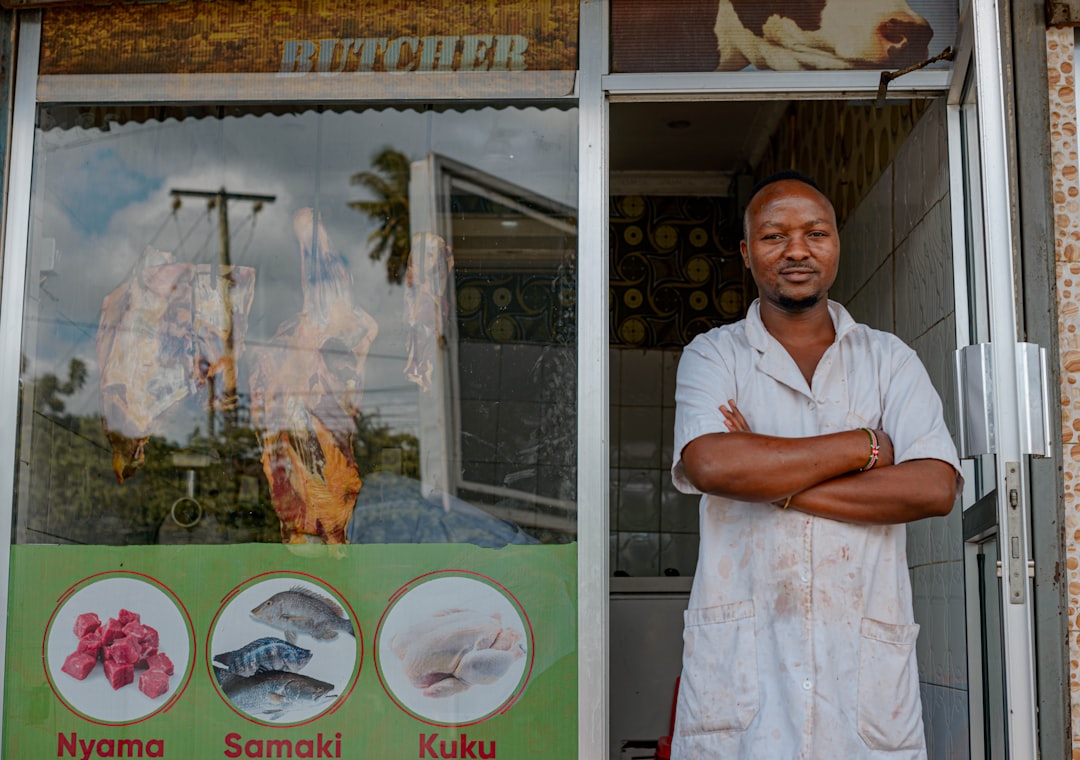
Setting up a Google Business Profile takes 20 to 30 minutes if you have your information ready. The verification step is where most Nigerian businesses get stuck, but the setup itself is straightforward. Here is the process, with Nigerian-specific notes at each step.
Step 1: Sign In and Add Your Business
Go to google.com/business and sign in with a Google account you plan to use long-term. This is important: the account that creates the profile becomes the primary owner, and transferring ownership later is possible but adds friction. Use a business email, not a personal Gmail you might lose access to.
Click "Manage now" or "Add your business." Enter your exact business name as it appears on your CAC registration documents, signage, and receipts. Do not add keywords or location tags to your name. A pharmacy in Ibadan should be listed as "LifeCare Pharmacy," not "LifeCare Pharmacy Ibadan Best Drug Store." Google's guidelines explicitly prohibit keyword stuffing in business names, and violations can lead to suspension.
Step 2: Choose Your Business Category
Select the single most accurate primary category. This is the most important ranking signal you control. If you run a salon, choose "Hair salon" or "Beauty salon," not the generic "Spa" if that is not what you do. You can add secondary categories later, but the primary one carries the most weight.
Google will ask whether you serve customers at your location or go to them. Your answer here determines whether you are set up as a storefront business, a service-area business, or a hybrid. This choice matters more than most Nigerian business owners realize, so we cover it in detail in the service-based business section below.
Step 3: Add Your Address and Service Area
If customers visit your location, enter your street address exactly as it appears on your signage and utility bills. Use the Nigerian postal code for your area, not a generic one. If NIPOST has not assigned a specific code to your street, use the closest valid one for your district, but be consistent across every online listing.
If you are a service-area business (a plumber, a caterer, a mobile barber), you will enter a private address for verification purposes only, then define the cities or areas you serve. Google will not display your private address publicly. You can add up to 20 service areas, but keep them within roughly a two-hour drive of your base. Listing all 36 states will get your profile flagged.
Step 4: Add Contact Details and Website
Use a local Nigerian phone number, not a call center line. Google prefers direct numbers. If you use a landline with an IVR system, be aware that automated verification calls cannot navigate IVR menus. A simple direct line works best.
Add your website URL if you have one. If you do not have a website yet, Google can generate a simple free one from your profile data, but a proper website gives you significantly more control and credibility. If you are planning to build one, our naira price breakdown of digital marketing costs in Nigeria includes realistic web design pricing for SMEs.
Step 5: Complete Your Profile Before Verifying
Before you request verification, fill out as much of the profile as possible. Add your business hours (including special holiday hours), a description of what you do, photos of your storefront and interior, and a list of services or products. Once you submit for verification, do not edit your business name, address, or category until the process is complete. Editing these fields during verification can invalidate your code and restart the entire process.
Nigerian Verification: What to Expect and How to Handle Delays
Verification is the step that causes the most pain for Nigerian businesses. Google needs to confirm that you actually operate at the address you listed. The verification method Google assigns depends on your business type, category, and region, and you cannot choose your method. Here is what each method looks like in practice in Nigeria, and how to handle the delays that are all too common.
The Postcard Problem
Mail verification involves Google sending a postcard with a 5-digit code to your business address. Google says most codes arrive within 14 days, but in Nigeria, the reality is different. Nigerian postal infrastructure is unreliable. International mail enters the NIPOST system and frequently gets delayed, misrouted, or simply lost. In Lagos and Abuja, expect two to four weeks if the postcard arrives at all. In cities like Enugu, Port Harcourt, or Ibadan, delivery is even less predictable. Rural areas are worse.
The verification code expires after 30 days. If your postcard arrives after that window, the code is useless and you have to start over. This is the cycle that burns Nigerian business owners: request, wait, expire, request again, wait again.
Video Verification: Your Best Alternative
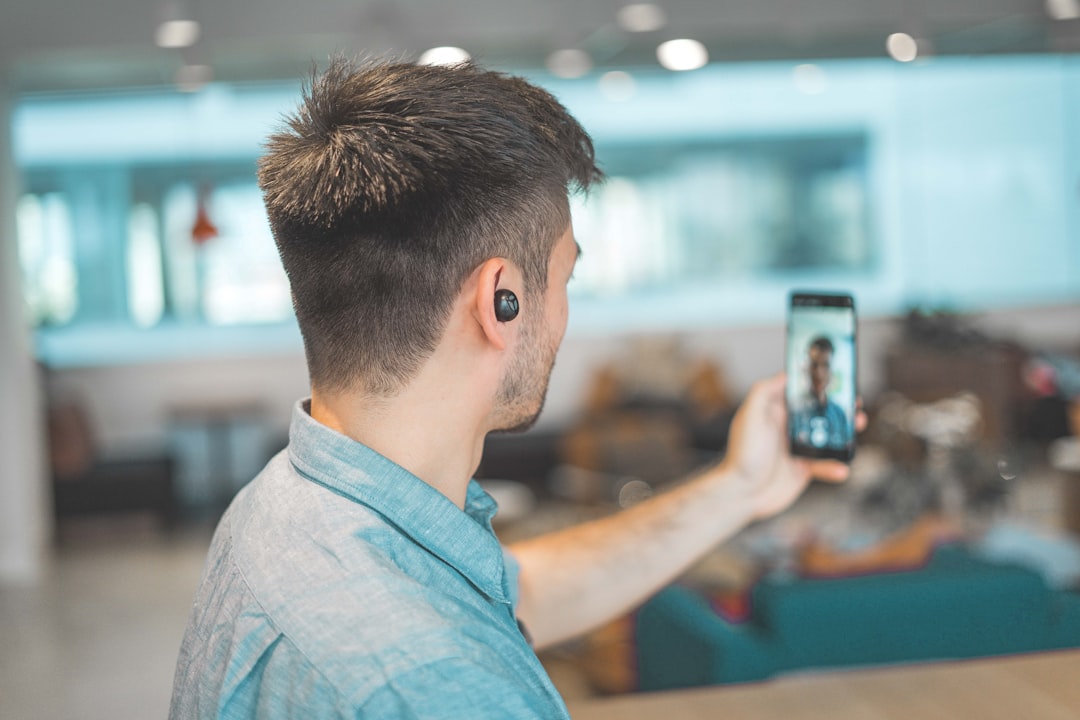
Video verification has become Google's default method for most new businesses, and it is the fastest path to verification for Nigerian SMEs. Instead of waiting weeks for a postcard, you record a continuous, unedited video on your phone showing three things: your business location, proof that your business exists, and proof that you manage it.
For a storefront business like a pharmacy in Ibadan, your video should show the street outside your shop (including nearby landmarks or street signs), your storefront with your business name visible on a permanent sign, and then the interior: shelves, counter, cash register, or anything that proves you operate there. The video must be at least 30 seconds, recorded live through the Google Business Profile app, with no breaks or edits.
Google reviews video submissions within up to 5 business days. If your video is rejected, Google tells you what was missing, and you can record a new one. Common rejection reasons include the business name not being visible on signage, the video being too short, or not showing enough of the surrounding area to confirm the location.
Other Verification Methods
Phone and email verification are instant when available, but Google assigns these sparingly. Live video call verification is another option where a Google representative joins a video call with you in real time, but it is only available during your listed business hours and requires you to be on-site. If your website is already verified in Google Search Console, you may get instant verification.
Here is a comparison of the verification methods available to Nigerian businesses, with realistic timelines based on local conditions:
| Method | How It Works | Realistic Timeline in Nigeria | Best For |
|---|---|---|---|
| Video recording | Record a continuous video showing your location, signage, and interior | 2 to 5 business days after submission | Most Nigerian businesses; the fastest reliable option |
| Postcard (mail) | Google mails a 5-digit code to your business address | 2 to 4 weeks in cities; often never arrives in rural areas | Businesses with reliable mail delivery (rare in Nigeria) |
| Phone or text | Code sent to your business phone number | Minutes, when available | Businesses with direct phone lines (no IVR) |
| Code sent to your business email | Minutes, when available | Businesses with a domain-based email address | |
| Live video call | Real-time video call with a Google representative | Same day, during listed business hours | Businesses on-site during operating hours |
| Search Console | Instant if your website is already verified in Search Console | Immediate | Businesses with a website already connected to Google Search Console |
What to Do When Verification Is Stuck
If you have been waiting beyond the expected timeline, here is what to do. First, stop editing your profile. Any changes to your business name, address, or category during the review period can reset the verification timer or invalidate your code. Second, check that your address is actually deliverable. Ask at your nearest NIPOST office whether mail addressed to your business name at your listed address would reach you. Many Nigerian addresses lack clear mail delivery infrastructure, and this is the root cause of most postcard failures.
If the postcard has not arrived within 14 days, you can request a new one from your dashboard. But if you have requested two postcards and neither arrived, contact Google Business Profile support directly through your dashboard. Use this framing: "Verification submitted on [date] via postcard. Currently past 14 days with no code received. Requesting alternative verification method." Google's support team can assign a different method, typically video verification, when postcard delivery fails repeatedly.
Optimizing Your Profile for Local Search
Getting verified is half the battle. The other half is making your profile rank well enough that customers actually find you when they search. Google's local algorithm relies on three factors: relevance, distance, and prominence. You cannot control how far a searcher is from your business, but you can influence the other two.
Get Your Primary Category Right
The primary category is among the top ranking factors in Google's Local Pack, according to BrightLocal's local search ranking research. If you run a restaurant in Enugu, choose "Restaurant" as your primary category, not "Food delivery service" or "Caterer," unless those are your main offerings. You can add up to nine secondary categories, but every one should accurately describe what you do. Adding irrelevant categories to appear in more searches will hurt you, not help you.
Build a Review Strategy
Reviews are consistently among the top factors in Local Pack rankings. Recency, volume, star rating, and review text all contribute to your standing. But it is not just about volume. Recency matters: a steady stream of reviews over time signals an active business. Star rating matters: businesses with higher ratings rank better. And reviews with text (not just star ratings) carry more weight.
For Nigerian SMEs, the most practical approach is to ask every satisfied customer for a review. Hand a card with a QR code linking to your review page at the end of each transaction. The salon in Port Harcourt can put a small sign at the reception desk. The pharmacy in Ibadan can ask the pharmacist to mention it when filling a prescription. Do not offer incentives for reviews; Google's policy prohibits it, and incentivized reviews can be removed.
Respond to every review, positive and negative. Your responses show potential customers that you are engaged and responsive. Keep responses professional and specific. Avoid templated responses that make it obvious you did not read the review.
Keep Your NAP Consistent Everywhere
NAP stands for Name, Address, and Phone number. Google cross-references your Business Profile information with other listings across the web, including directories, social media pages, and your own website. If your phone number on your Google Business Profile is different from the one on your website or your Jumia storefront, Google loses confidence in your data, and your rankings suffer.
Pick one exact format for your NAP and use it everywhere. Same phone number format, same address abbreviation style, same business name. Businesses with consistent NAP data across major listings are significantly more likely to appear in the Local Pack, according to BrightLocal's research.
Add Photos and Post Updates
Photos do not directly impact your ranking, but they dramatically affect how many people click on your listing when it appears. A profile with clear, well-lit photos of your storefront, interior, products, and team earns more clicks and more trust than one with a single blurry exterior shot.
Use Google Posts to share updates, promotions, new products, or events. Posts expire after seven days, so this requires ongoing effort, but it signals to Google that your profile is actively managed. A restaurant in Enugu can post weekly specials. A salon in Port Harcourt can post about new services or seasonal offers.
Common Setup Mistakes in Nigeria
Keyword Stuffing Your Business Name
Some Nigerian business owners add keywords to their business name on Google, hoping to rank for more searches. A salon might list itself as "Glamour Hair Salon Port Harcourt Best Braids Weave On." This violates Google's guidelines and can result in your profile being suspended. Use your real business name only. If you want to rank for "hair salon in Port Harcourt," your primary category and your website content should do that work, not a stuffed business name.
Creating Multiple Listings for the Same Business
If your pharmacy has one location in Ibadan, you get one Google Business Profile. Creating a second profile for the same address with a slightly different name ("LifeCare Pharmacy" and "LifeCare Drugs Ibadan") to double your presence will get both listings suspended. Google's system detects multiple profiles at the same address and treats them as spam.
Editing Your Profile During Verification
This is the most common reason verification gets stuck or resets. While waiting for a postcard or video review, you notice a typo in your hours or want to add a category. You make the edit. Google's system registers the change and restarts the verification clock. The postcard you requested may arrive, but the code will no longer work. The video you submitted may be re-reviewed from scratch. Rule: once you submit for verification, do not touch your profile until it is verified.
Using a P.O. Box or Virtual Office Address
Google explicitly prohibits P.O. boxes and virtual office addresses for Business Profiles. If you run a service business from home, use your home address for verification but do not display it publicly. If you use a coworking space where you do not actually operate, Google can flag and suspend your listing. The address must be a real place where your business genuinely operates.
Listing Service Areas That Are Too Broad
A plumber based in Surulere listing "Lagos" and "Ogun" and "Oyo" as service areas seems like a way to show up in more searches. It is not. Google filters listings with overly broad service areas because they look like spam. List specific cities or local government areas you genuinely serve, and keep them within about two hours of driving time from your base.
Service-Based Businesses: No Storefront, No Problem
If you run a catering business from your home in Abuja, a mobile car wash service in Lagos, or a tailoring service that visits clients, you can still have a Google Business Profile. You set up as a service-area business. The key difference is that you enter a real address (your home is fine) for verification purposes only, then hide that address from the public and list the areas you serve instead.
During setup, when Google asks whether you want to add a location customers can visit, select "No." Google then asks for your service areas instead of a storefront address. You still need to provide a real mailing address behind the scenes for verification, but it will never be shown to the public. Google allows up to 20 service areas, defined by city, postal code, or region.
For video verification as a service-area business, the requirements are different. Since you have no storefront signage, Google instead asks you to show professional tools, equipment, branded apparel, or business documents that prove your business exists. A caterer could film their cooking equipment, branded delivery containers, and business cards. A mobile barber could film their tools, branded uniform, and a booking app on their phone. Show street signs or landmarks near your base to confirm your location.
Multi-Location Businesses
If you operate multiple locations, each location gets its own Google Business Profile. A pharmacy chain with branches in Ibadan, Lagos, and Abuja should have three separate profiles, each with its own address, phone number, hours, and category. Do not try to combine them into one listing.
If you have 10 or more locations, you can use bulk verification through the Business Profile Manager. This lets you upload a spreadsheet with all your locations and verify them as a group, rather than verifying each one individually. Bulk verification requires that all locations use email addresses on your official domain name. If your email addresses are on Gmail or Yahoo, bulk verification will be delayed or rejected.
For businesses with fewer than 10 locations, verify each profile individually. It takes more time, but you avoid the formatting errors and additional review steps that bulk verification introduces.
Need Help With Your Local SEO?
Setting up and optimizing your Google Business Profile is the foundation of local search visibility, but it is only one piece of a broader SEO strategy. If you have been burned by agencies promising quick results or are unsure whether your current marketing investment is delivering value, we understand the skepticism. Many Nigerian business owners have been there.
At My Blog, we work with Nigerian SMEs to build transparent, accountable local SEO strategies. We can review your current Google Business Profile, identify what is holding back your local rankings, and give you an honest assessment of what is achievable for your business and your budget. No deposit required, no pressure to commit, just a straightforward conversation about whether we are the right fit. Reach out through our contact page and we will respond within one business day.
If you want to protect yourself before hiring anyone, our guide on hiring a digital marketer in Nigeria without getting scammed includes a verification checklist and contract clauses that protect your budget. The more you know about how this space works, the harder you are to scam.
Frequently Asked Questions
How long does Google Business Profile verification take in Nigeria?
It depends on the method Google assigns. Video verification, which is now the default for most new businesses, takes 2 to 5 business days after submission. Postcard verification can take 2 to 4 weeks in Nigerian cities and often never arrives due to unreliable postal infrastructure. Phone and email verification are instant when available. If your verification has been stuck for more than 14 days, contact Google Business Profile support through your dashboard to request an alternative method.
Can I set up a Google Business Profile if I do not have a physical storefront?
Yes. You can set up as a service-area business. During setup, select No when Google asks if customers can visit your location. Enter a real address (your home is fine) for verification purposes only, then define the cities or areas you serve. Google will not display your private address publicly. You can list up to 20 service areas, and they should stay within roughly a two-hour drive of your base.
Why was my Google Business Profile verification rejected?
The most common reasons are editing your business name, address, or category during the verification process, which invalidates the code or resets the review. For video verification, rejections typically happen because the business name was not visible on signage, the video was too short (under 30 seconds), or the surrounding area was not shown clearly enough to confirm the location. Google will tell you what was missing so you can record a new video.
Should I add keywords to my business name on Google to rank higher?
No. Google's guidelines prohibit adding keywords, location tags, or marketing descriptors to your business name. A salon should be listed as its real name, not with extra keywords appended. Violating this rule can result in your profile being suspended. Your primary category, website content, and reviews are what help you rank for relevant searches, not a stuffed business name.
Can I create multiple Google Business Profiles for the same business?
No. Each physical location gets one profile. Creating multiple listings for the same business at the same address will trigger Google's spam detection and can get all your profiles suspended. If you have multiple genuine locations, each one gets its own profile with its own address, phone number, and hours. Businesses with 10 or more locations can use bulk verification through the Business Profile Manager.